Comflowy AI Weekly #001
✋ This post uses images, so if you read this on an email client, enable the “display images from sender” to get the most out of the post. If you are a new subscriber, welcome!
🥰 If you find these writings valuable, consider sharing them with a colleague or giving a shoutout on Twitter.
🆕 What's new
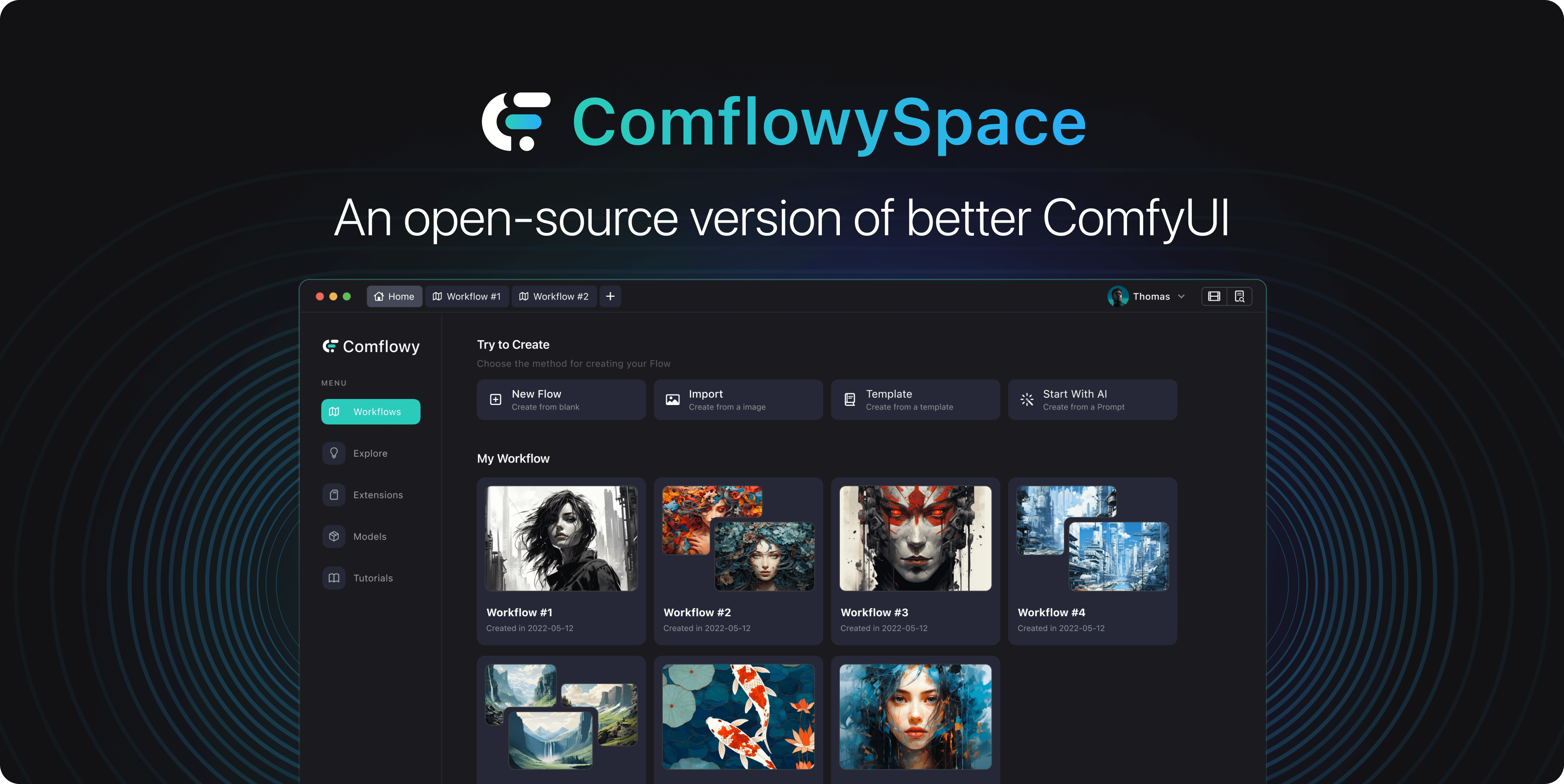
Our team is developing a more user-friendly ComfyUI. Detailed information can be found here. If you're interested, feel free to join our Discord server to stay updated on our progress.
Enjoy this week's new tutorial:
Remote Install ComfyUI: Thanks to Discord user otto pan for the content suggestion.
Special Thanks: Added a change log and a special thanks page to the website to show our appreciation for friends who provide valuable feedback on our tutorials and products.
Articles updates:
Install ComfyUI: Added instructions related to pip3. Thanks to Github user fansanqiu for raising this Issue.
Download & Import Model: Added steps to import models from the SD WebUI folder. Thanks to Discord user Haaan for raising this question.
Install Plugins: Added the code to start ComfyUI. Thanks to Discord user Tennisatw for pointing out this issue.
Upscale: Added an explanation for the use case of Upscale latent. Thanks to Discord user heiba_wk for asking this question.
Community Q&A Highlights:
Q : The size of the output image can be directly adjusted using the Empty latent image. Why is there an upscale latent node and under what circumstances is it necessary to use it? ?(asked by heiba_wk)
Answer from Jimmy: I suggest you take another look at the tutorial about SD principles. Adjusting the size directly with an empty latent image may not produce good results. To explain by comparing it to the stone carving mentioned in the tutorial:
The empty latent image is like the stone carved by the sculptor (model). However, some sculptors (models) only carve 512x512 stones (images) during training. If you ask them to carve a 1024x1024 stone (image), they won't be able to do it well, and the result will be poor (for example, in case of a 512 image, the human figure is one head, but in a 1024 image, there are two heads).
But what if I want a 1024x1024 image? This is where you need to call on the Upscale sculptor (model). This sculptor (model) is not particularly good at creating, but is very good at proportional upsizing, and even some can add content details while enlarging.
Answer from Marc: In terms of code logic, the method used by upscale to enlarge the image actually uses basic image processing methods, such as ["nearest-exact", "bilinear", "area", "bicubic", "bislerp"]. These methods are much more cost-effective for generating large-sized images.
What do you think?
Reply this email with your feedback on our website and newsletter. Or join our Discord and send us feedback. I’d love to hear from you!
🤩 Weekly‘s AI highlights
If you encounter interesting AI-related articles or perhaps products during your studies, you are welcome to share them on our Discord Share Channel(opens in a new tab), or submit a newsletter Issue(opens in a new tab) on Github. If your submission is accepted, we will feature it in our newsletter to be seen by more people.
📄 Noteworthy papers and technic
Just one image is needed to generate a 3D version of it through AI. You can see some demos here, and the results seem pretty good from the examples. In the future, it may be possible to generate basic 3D models with just one picture, which will greatly enhance the efficiency of model creators.
Generating animation of physics-based characters with intuitive control has long been a desirable task with numerous applications. However, generating physically simulated animations that reflect high-level human instructions remains a difficult problem due to the complexity of physical environments and the richness of human language. In this paper, researcher present InsActor, a principled generative framework that leverages recent advancements in diffusion-based human motion models to produce instruction-driven animations of physics-based characters.
🛠️ Products you should try
Pika 1.0 : a text-to-video app is now available to everyone.
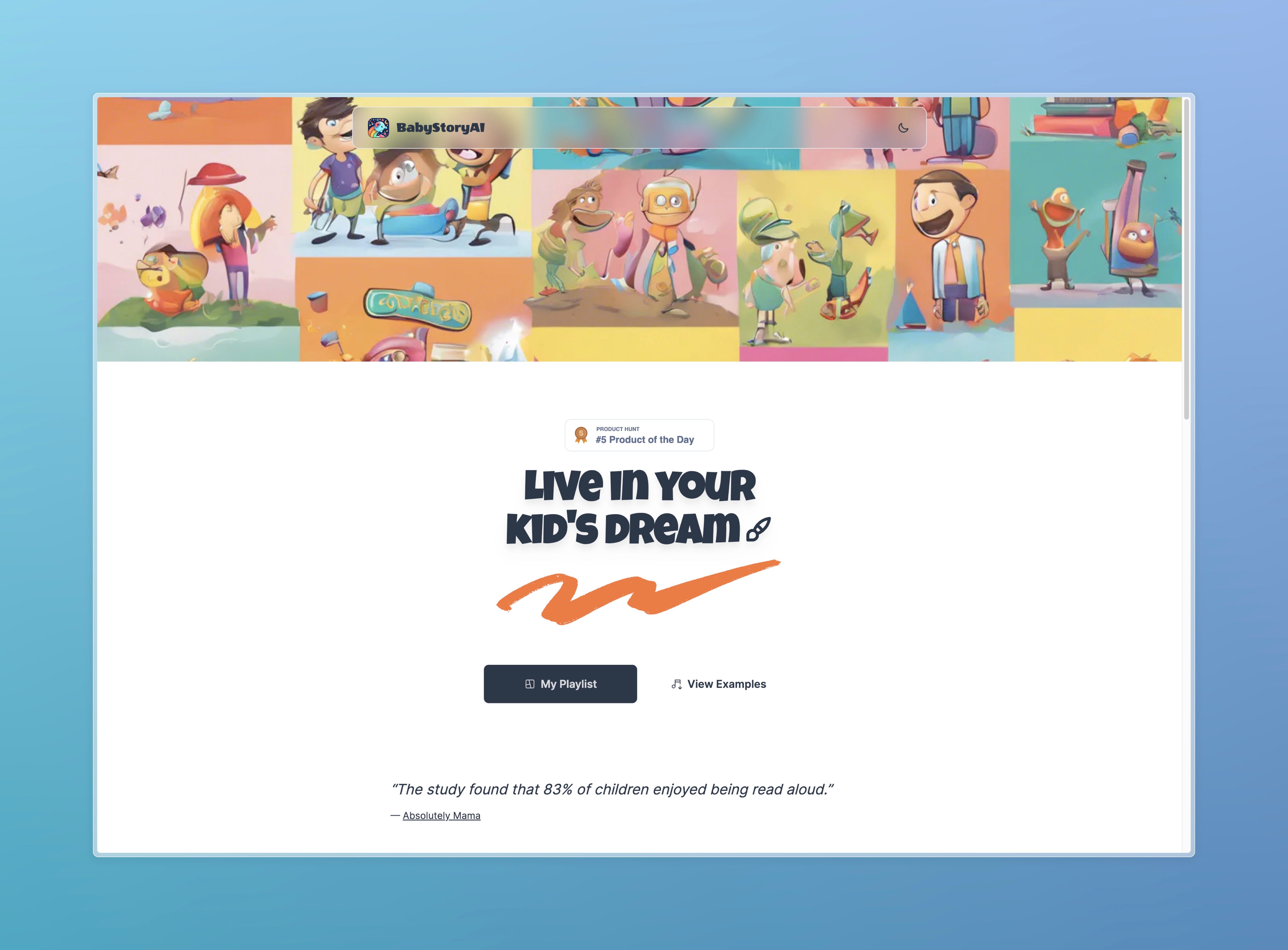
There's a product that uses AI to generate children's stories - what sets it apart from similar products is that it can convert content into speech and automatically add background music. It would be even better if it could generate illustrations based on the plot.
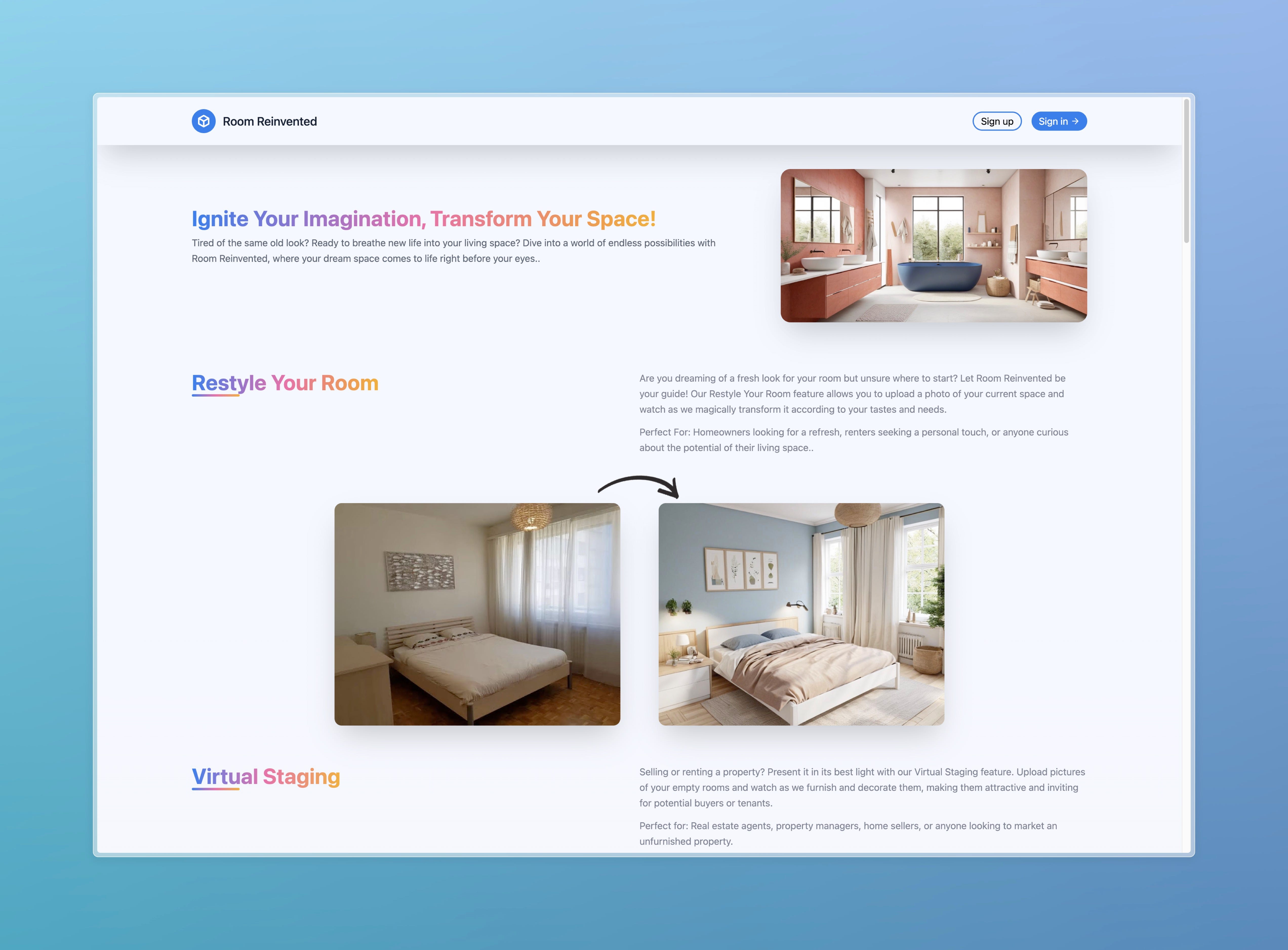
The other product is an AI-generated interior design tool. There are many similar products on the market, so why am I sharing this one? Mainly because I think there are still many opportunities in this field. Right now, the biggest problem with most of these products is that the designs are not appealing. This is not just a technical problem, but a crucial one - most people developing these products don't have taste like professional designers. If you have good taste in interior design, you might want to consider this direction.